AI Jingle Maker for Radio, Podcasts & DJs

The fastest way to make radio jingles, DJ drops, sweepers, station IDs and podcast intros. Your words, our voices, royalty-free. No studio, no session fees, no waiting.

Make Your Jingle

Two steps: generate a voiceover, then build as many mixes around it as you like.

1

Voiceover

Just for your file name — it won't be read out loud.

Try:
≈ 5s · 1 credit
Short Jingle
2

Build your jingle

VoiceoverGenerate one on the left

Pick your sounds now — you'll need a voiceover to build.

No versions yet

Pick an intro, bed or outro and hit Build. Every mix lands here so you can compare them and keep the one you like.

Hear What You Can Make

Radio IDs, DJ drops, podcast openers and store promos — every one below was made with this tool, using the same voices and sounds you get.

Who It's For

Built for Everyone Who Goes On Air

Everyone below hit the same wall — the audio had to sound broadcast-ready, and the studio route was too slow or too expensive to be worth it.

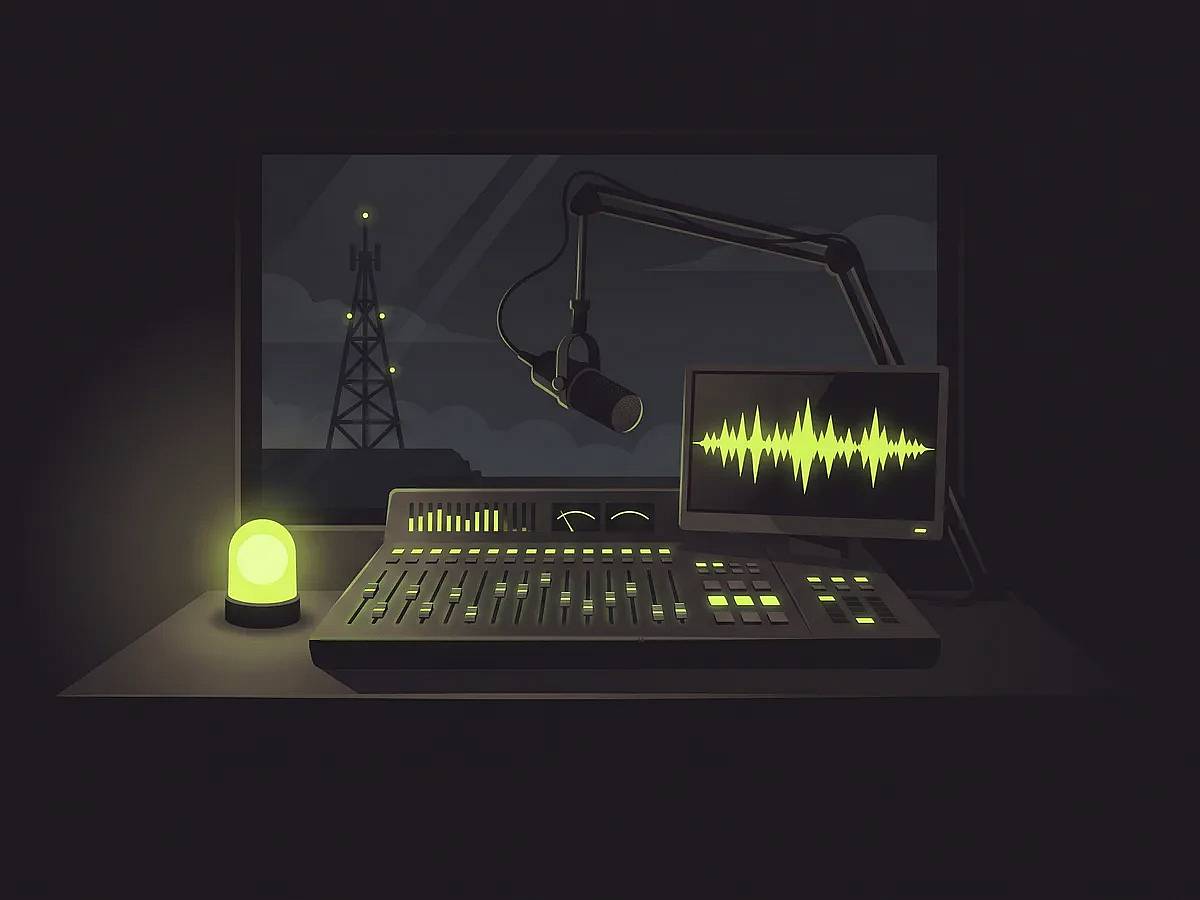
A radio station control room at night with a mixing console, boom microphone, on-air lamp and a jingle waveform on the monitor

Radio Stations

Refreshing your imaging means booking a voice session and waiting on the turnaround. Cut a new sweeper the morning you need it, in the 5, 10, 15 and 30 second slots the log already expects.

  • Station IDs
  • Sweepers
  • News stings
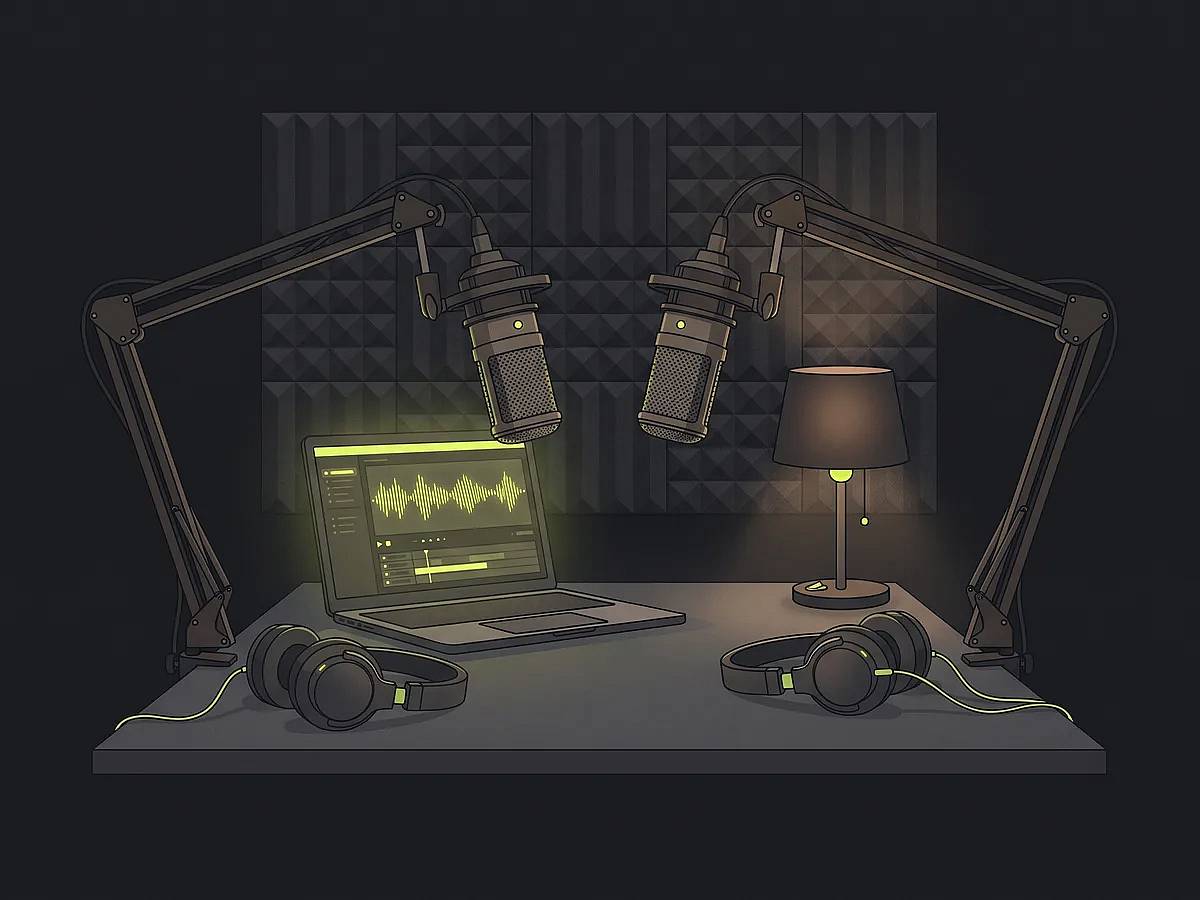
A podcast recording desk with two condenser microphones, headphones and a laptop showing a podcast intro waveform

Podcasters

The sponsor changes and the opener has to be re-cut — again. Retype the line, keep the same voice you have used all season, and the episode still goes out today.

  • Intros & outros
  • Sponsor tags
  • Segment beds
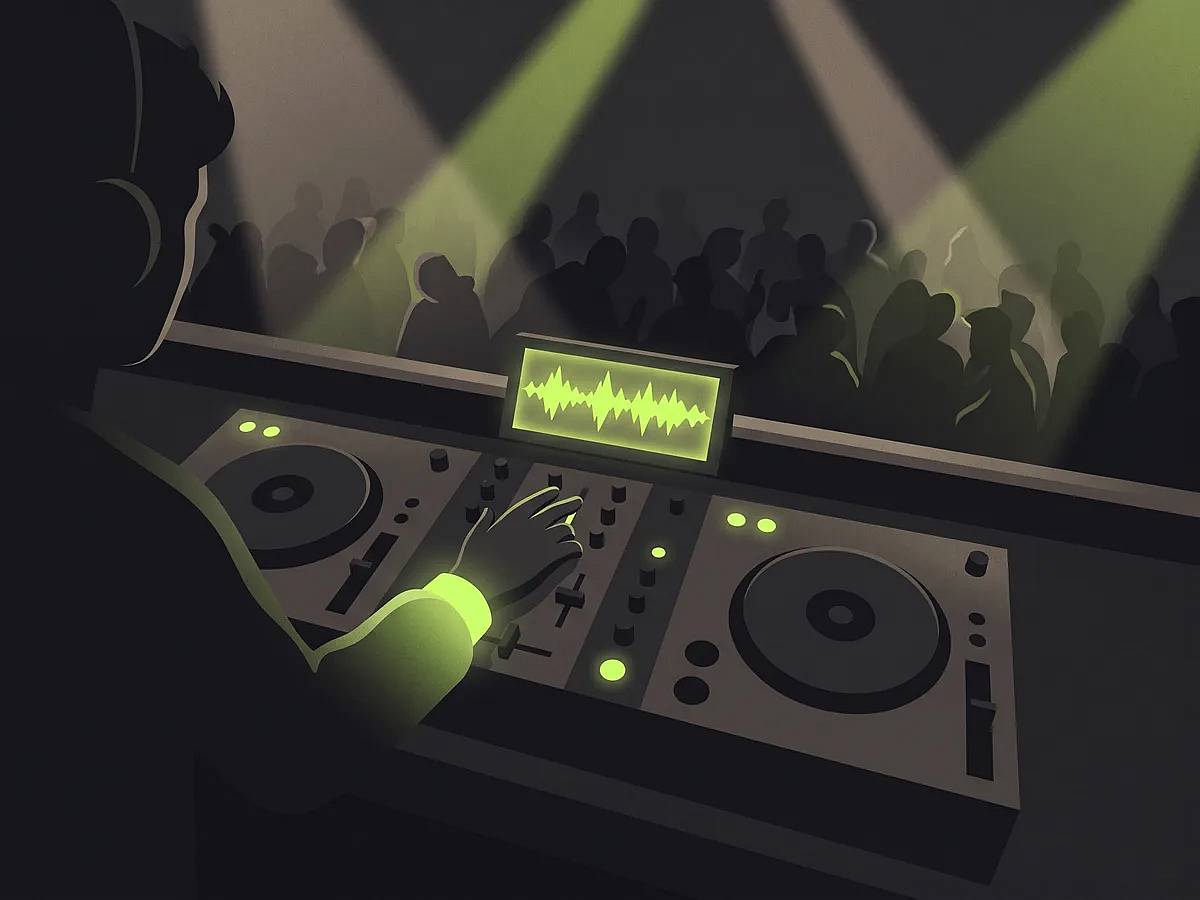
A DJ mixing at a club booth with a glowing waveform display on the DJ drop being played

DJs & Producers

Custom drops are priced per drop, and changing one word means commissioning it again. Clone your voice once and every tag after that is you, typed in seconds.

  • DJ drops
  • Custom tags
  • Club openers
A small shop interior with a ceiling speaker playing a store promo, sound waves radiating from it

Local Businesses

A weekend sale does not justify an agency quote or a studio booking. Write the spot, pick a voice, and have it air-ready before the sale opens — royalty-free, nothing to renew.

  • Radio spots
  • Store promos
  • On-hold messages
A video editing desk with a channel intro audio track on the timeline, a camera and a ring light

Video Creators

Every upload opens a little differently because each intro came from a different pack. Lock one voice across the whole channel, cleared for monetised video and paid ads.

  • Channel intros
  • Outros
  • Transition stings
A live streaming desk at night with a broadcast microphone, webcam and an alert sting waveform on screen

Streamers

Your alerts sound like every other channel because they came out of the same free pack. Make starting-soon beds and shoutouts in a voice nobody else is running.

  • Alert stings
  • Starting-soon beds
  • Shoutouts

Inside the AI Jingle Maker

What Makes a Jingle Sound Professional

Anyone can paste a script into a text-to-speech box. These are the details that decide whether your jingle sounds like a real station or a hobby project.

Radio Voices, Not Robot Voices

24 voices across 6 on-air roles

Vintage radio DJ, late-night announcer, hype announcer, British presenter, warm narrator and more. Voices are grouped by the job they do on air, so you pick a role that fits what you are making instead of guessing from a long list of first names. Every voice is open to every account — none are held back for a higher tier — and you can hear a sample of each before you sign up. Pace adjusts from 0.7× to 1.2× to match how your station reads.

Your Own Voice, On Every Jingle

Clone it, or keep your own delivery

Station imaging works because it is always the same voice, and the most recognisable voice a station has is usually its own. Two ways in: clone your voice from a short sample and then type any script into it, or read the line yourself and keep your delivery while the timbre is swapped. Same rule as everything else — credits go on the voice, and mixing it into finished jingles stays free.

One Voiceover, Unlimited Mixes

Building a jingle never costs a credit

Credits buy the voiceover. Building the finished jingle around it — that voice against an intro, a background bed and an outro — costs nothing, with no cap on how many you build. Swap the intro, try a different bed, rebuild. Every version stays on the page side by side, so you choose the one that sounds right instead of committing to whatever came out first.

Mixed Like a Station, Not a Timeline

Ducking, dead air and loudness handled

The bed ducks under the voice through sidechain compression, the way a desk does it, instead of the volume being cut on a schedule — so the music breathes around the read rather than stepping on it. Padding silence inside a sound effect is trimmed before it reaches the timeline, so your jingle never sits on a moment where nothing is happening. Every mix is levelled to broadcast loudness at -16 LUFS, so a bright intro and a soft bed still come out matched.

One Line, One Credit

220 characters or fewer

A script of 220 characters or fewer costs a single credit; anything longer, up to the 900-character cap, costs two. Generating the voice is the only thing credits are spent on — mixing, playback and downloads are free and unlimited. If a generation fails the credits come straight back and the error is reported instead of quietly swallowed, so you only ever pay for audio you actually receive.

Royalty-Free Jingles

Air it anywhere, keep it forever

Use your jingles on air, in podcasts, on social and inside paid ads. No per-play fees and no expiring license. Download it once as MP3 or WAV and it is yours to keep, with nothing to report and nothing to renew.

How It Works

How to Make a Jingle in Three Steps

No audio experience needed, nothing to install and no editor to learn. Start from a jingle template if you would rather not write from a blank box.

1
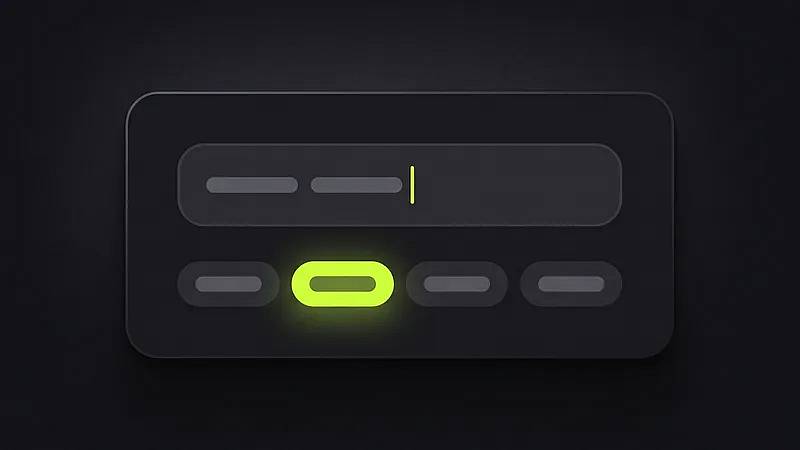
A script input box with a blinking cursor and jingle template chips underneath, one selected

Write the Line

Type your script, or start from a Radio ID, podcast, promo or YouTube template that fills it in for you.

2
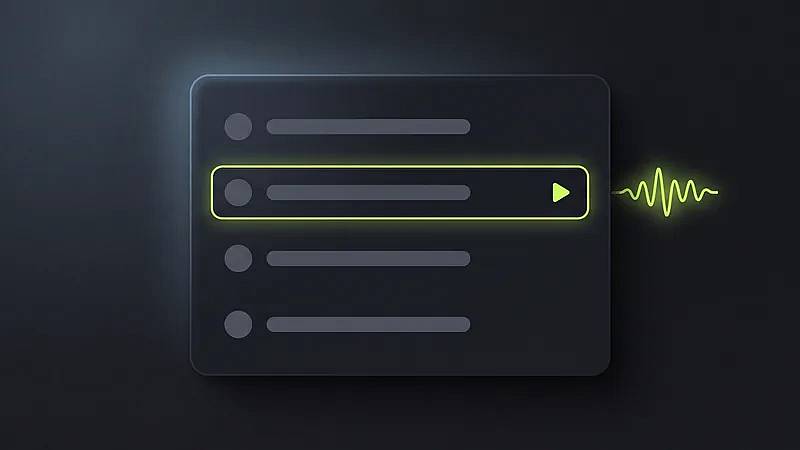
A list of on-air voices with one row selected and a voiceover waveform being generated beside it

Generate the Voice

Choose an on-air role — vintage DJ, hype announcer, warm narrator — set the pace, and generate. This is the one step credits pay for.

3
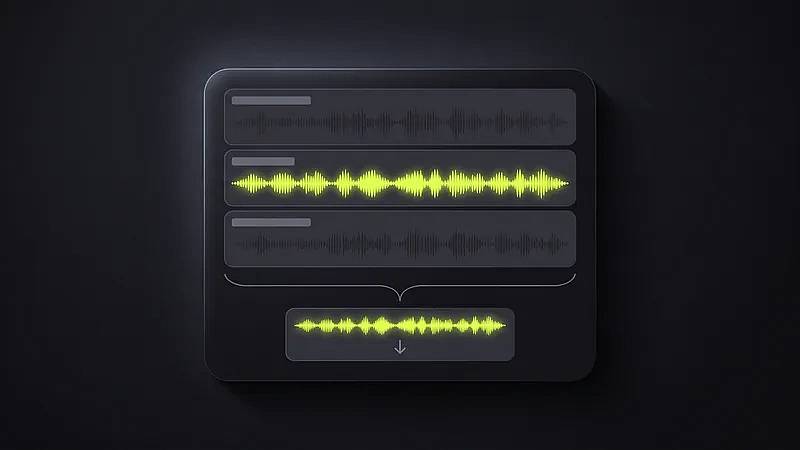
Three audio tracks — intro, voiceover and outro — merging into one finished jingle ready to download

Build and Download

Add an intro, a background bed and an outro, then hit Build. Mixing is free and uncapped, so keep rebuilding until one sounds right and download it as a royalty-free MP3 or WAV.

From the Booth

What stations, podcasters and DJs say after putting one on air.

Ma

Marcus Webb

Program Director, independent radio

The ducking is the part that sold me. The bed drops under the voice on its own, so nothing needs riding in the desk afterwards.

Pr

Priya Raghavan

Podcast host

I rewrote my intro four times before exporting once. Previewing being free changes how you work — you stop being precious about it.

Da

Danny Okafor

Mobile DJ

Made a set of drops with my name in them in an afternoon. Booking studio time for that would have cost more than a year of this.

El

Elena Fischer

Station manager

Everything comes out at the same loudness. Sounds like a small thing until you have twenty pieces of imaging that need levelling before they air.

To

Tom Bassett

Owner, local coffee chain

I needed one radio spot and had no idea where to start. Picked the promo template, changed the words, done before lunch.

Ai

Aisha Malik

YouTube creator

Every video opens with the same five seconds now. Having it sound the same every week is the whole point.

Gr

Grant Whitmore

Community radio volunteer

We have no budget and no engineer. This is the first thing we have used where the output does not sound like it came off a laptop.

So

Sofia Duarte

Freelance ad producer

Royalty-free with no per-play reporting is what makes it usable for client work. I stopped clearing beds track by track.

Ry

Ryan Kessler

Sports podcast producer

The announcer voices actually have some push to them. Most text-to-speech goes flat the moment you need energy.

AI Jingle Maker FAQ

Voices, mixing, licensing and credits

Yes. Write one line of script and pick a radio voice, and JingleLark generates the voiceover, then mixes it with an intro, a background bed and an outro into a finished jingle you can drop straight into your show or playout system. What AI will not do is write the copy for you: the words are yours, and short spoken lines work better than long paragraphs.

Two steps. First generate the voiceover: write your script, choose an on-air voice, hit generate, and it usually comes back in seconds. Then build the jingle: pick an intro, a bed and an outro, and hit Build. If a blank box slows you down, load one of the four built-in templates — Radio ID, Podcast, Store Promo or YouTube — and each one fills in the script and picks a matching voice, so you rewrite a few words instead of starting from nothing.

No. Credits are spent only when a voiceover is generated. Once you have that voice, every jingle you build around it is free — a different intro, a different bed, a different outro — and there is no limit on how many you build or download. That is deliberate: the first mix is rarely the best one, and charging per attempt would quietly push you to settle for it. Every version you build stays on the page so you can compare them before picking.

The AI jingle maker runs entirely online in your browser, so there is nothing to install and no plugin to license. Type or paste your line, pick a voice, and generate — that step costs credits, one for a script of 220 characters or fewer and two for anything longer, so it pays to settle on your wording first. Everything after it is free: mixing, playing back and downloading audio you already made.

Yes. Every jingle you download is royalty-free, so you can air it on your station, run it inside paid ads, attach it to a client campaign or publish it on any platform without reporting plays or paying again. There are no per-play fees and no expiry date on the license.

Your script decides the length — there is no length dial. Speech runs at roughly 13 characters a second at a normal read, and the workbench shows a live estimate as you type. The hard cap is 900 characters, about a minute, and the finished jingle runs slightly longer once the intro and outro are mixed in. As a rough guide, 220 characters is around 17 seconds and costs one credit.

Yes. You get a free credit when you sign up, which is enough to hear your own script read back in a real radio voice before deciding to pay anything. You can also browse and play every voice sample and every sound in the library before creating an account. Credits are spent when a voiceover is generated; mixing, playback and downloads are free and unlimited.

Your credits are returned automatically and the failure is reported in the interface rather than silently swallowed. You are never charged for audio you did not receive, so a bad run costs you time but not balance. If a generation keeps failing on the same script, it is usually worth shortening the line and trying again.

Station IDs, DJ drops, sweepers, podcast intros and outros, sponsor tags, YouTube channel intros and short promos — anything that needs a scripted line read in a broadcast voice. Independent stations use it for imaging between records, podcasters for a consistent weekly open, and small businesses for radio and social ads they would otherwise have to book studio time for.

Put Your First Jingle On Air

Write a line, pick a radio voice, and hear it read back in seconds. A free credit when you sign up — and once that voice exists, mixing it into finished jingles is free, however many you build.